
Select the model you want to generate your image with.
Free AI Goth Filter for Creating Authentic Gothic Looks
A free, style-driven Goth Filter for turning portraits into refined gothic visuals with natural detail and mood control.
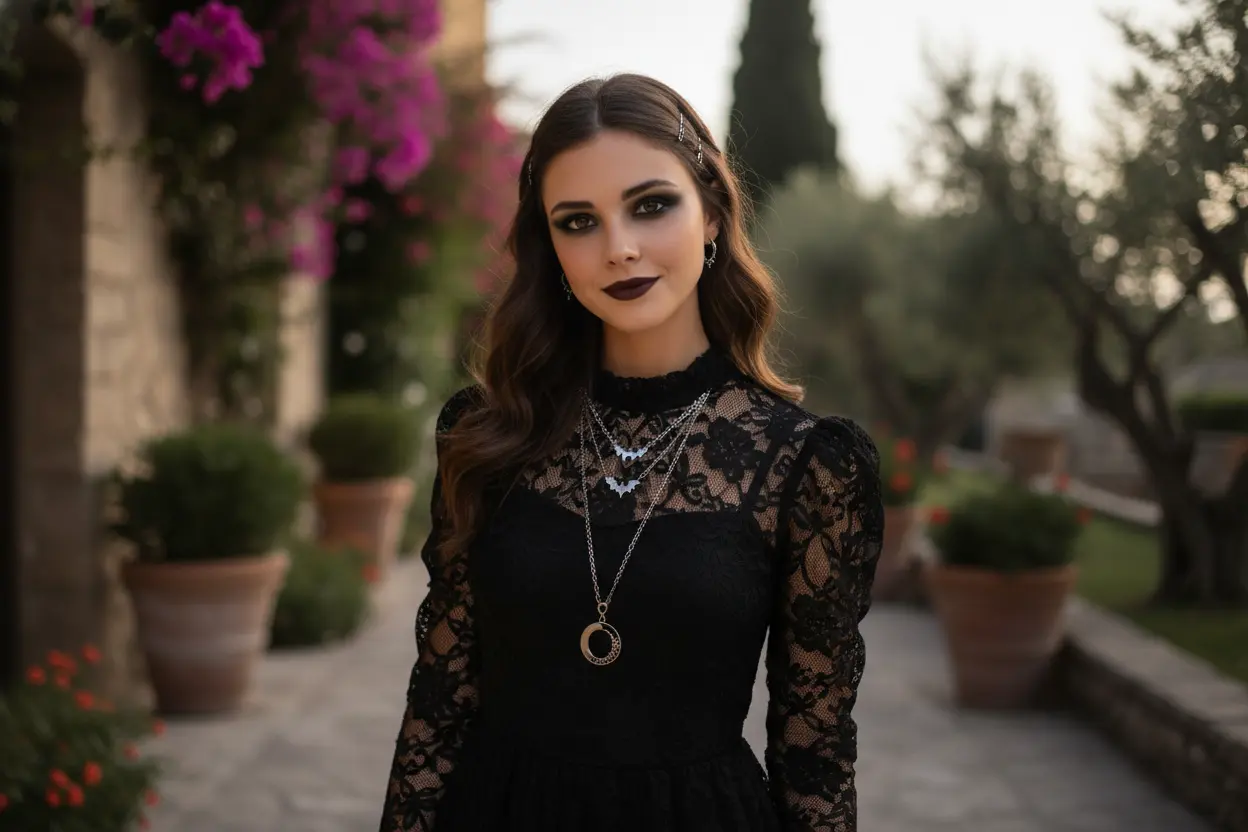
Your Generated Images
How to Use Goth Filter Free on Bylo.ai – Create Gothic Photos in Minutes
With Bylo.ai’s free Goth Filter, creating a gothic-style image is fast and intuitive. No complex prompts or editing experience are required — simply upload your photo, enter a goth style, and let AI handle the transformation.
Step 1:Upload a Photo to Start Your Gothic Transformation
Begin by uploading a clear selfie or portrait to Bylo.ai. The Goth Filter automatically detects facial features, lighting, and composition, ensuring your image is properly prepared for a realistic gothic makeover while keeping your original identity intact.
Step 2:Enter Your Goth Style
Instead of writing long or technical prompts, you only need to enter a goth style. Whether you choose a classic, romantic, modern, or other gothic aesthetic, Bylo.ai’s Gothic Filter AI applies consistent makeup, mood, and color grading based on the selected style.
Step 3:Generate, Preview, and Download Your Gothic Image
Click generate to apply the goth filter instantly. Preview the result, make sure the gothic style matches your expectations, then download your image or share it directly on social media — all within seconds.
Key Features of Bylo AI Gothic Filter
AI Goth Filter That Follows Your Chosen Goth Style
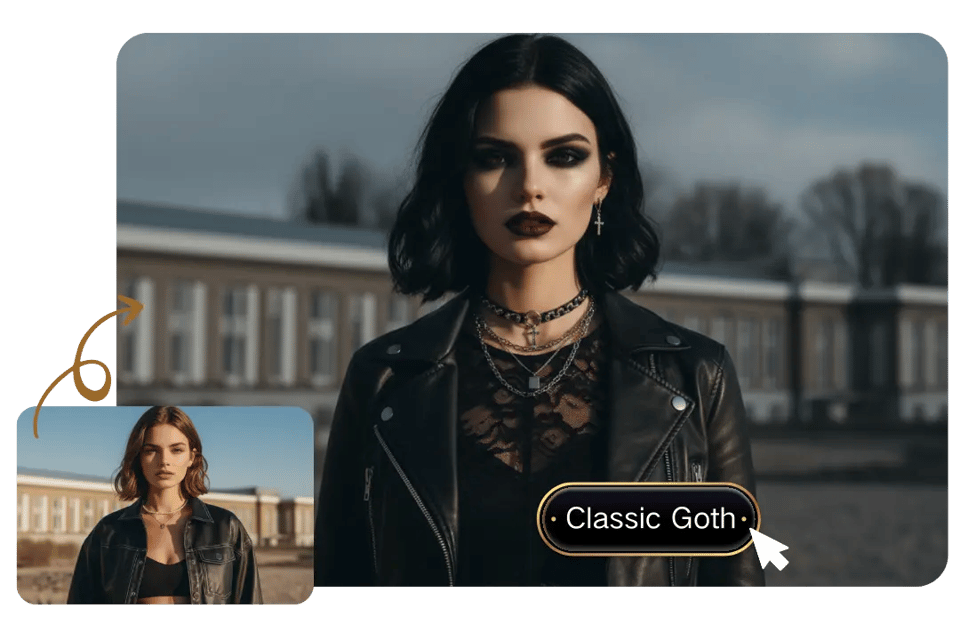
Instead of writing long prompts, Bylo.ai’s Goth Filter lets you start with a simple goth style. The system uses that style as the guiding direction for makeup, lighting, and overall tone, keeping the final result visually coherent and clearly gothic rather than visually mixed.
Goth Filter That Enhances Style Without Changing Your Identity
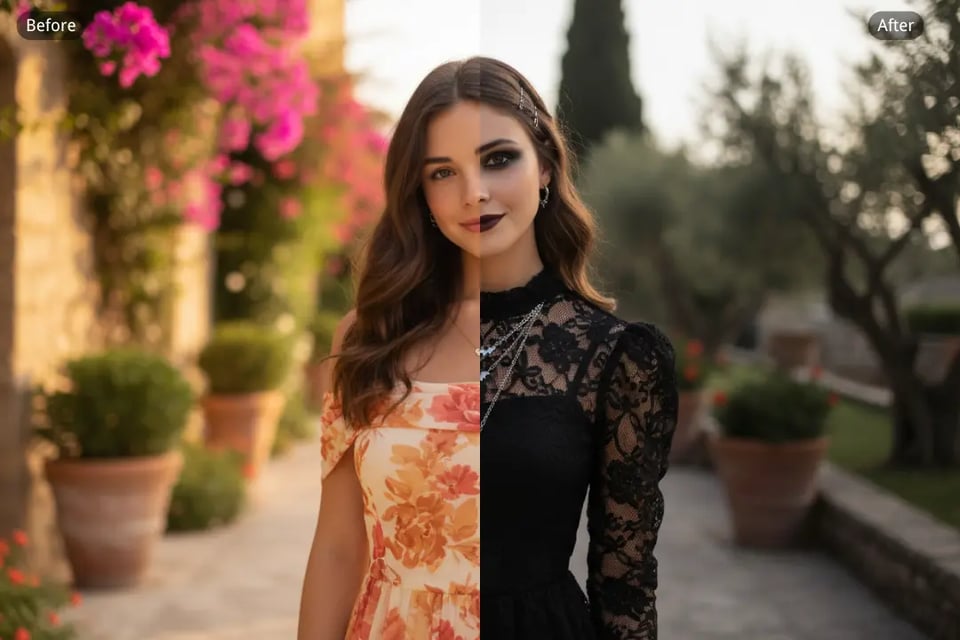
Bylo.ai’s Goth Filter focuses on atmosphere and makeup while preserving facial structure, expression, and natural skin texture. Your features remain recognizable, with gothic elements applied smoothly on top, creating a transformation that feels intentional instead of artificial.
Free Goth Filter Online Designed for Fast Results
The Goth Filter online works directly in your browser and is free to try. Upload a photo, enter your goth style, and generate a gothic image in seconds — no downloads, no setup, and no editing experience required.
Explore Different Goth Filter Styles to Shape Your Gothic Look on Bylo.ai
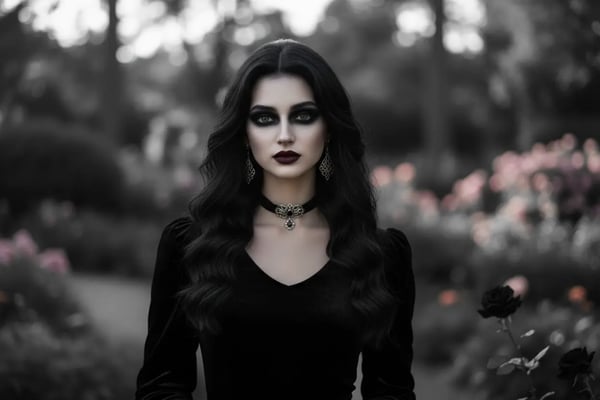
Classic Goth
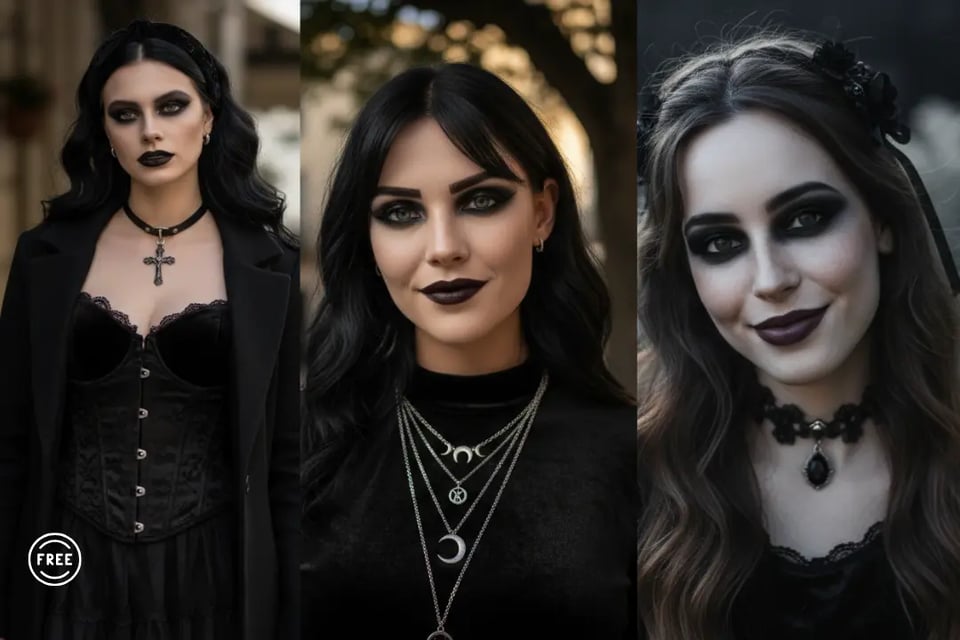
Classic Goth presents a clean, high-contrast gothic look with deep eye makeup and controlled shadows. The Classic Goth aesthetic emphasizes clarity and balance, creating a timeless goth appearance that feels sharp, restrained, and suitable for portraits or profile images.
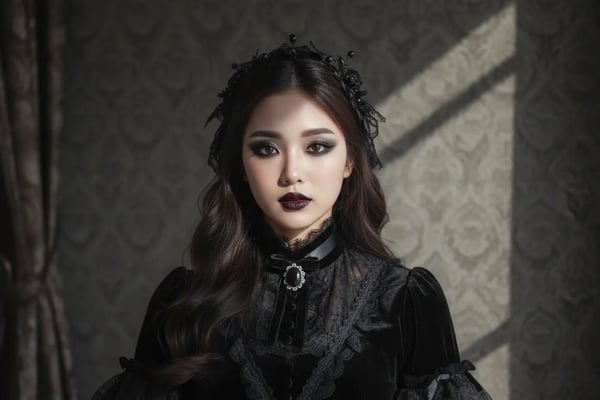
Victorian Goth
Victorian Goth introduces a refined, vintage gothic atmosphere through softer lighting and deeper tones. Victorian Goth visuals carry an elegant, aristocratic mood, often associated with classic gothic portraiture and historical-inspired imagery.
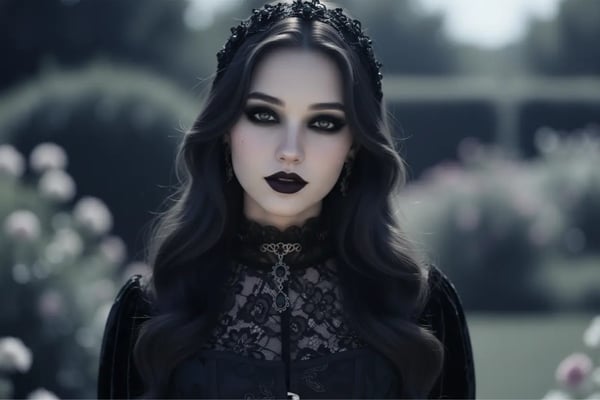
Romantic Goth
Romantic Goth blends dark makeup with smooth textures and gentle transitions. Romantic Goth imagery feels expressive and atmospheric, delivering a softer gothic presence that remains emotional, elegant, and visually cohesive.
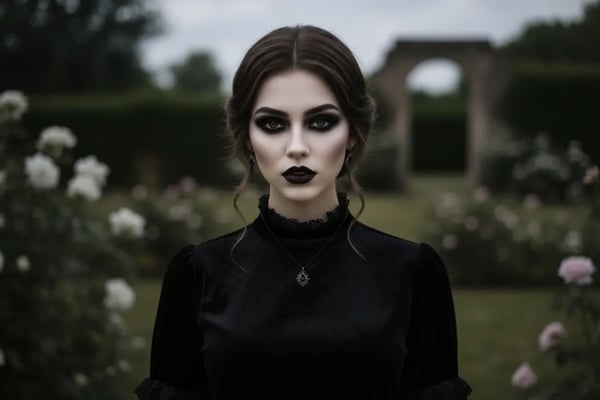
Modern Goth
Modern Goth applies a minimalist approach to gothic aesthetics using clean lines and controlled color grading. Modern Goth visuals feel contemporary and fashion-forward, making them well suited for urban portraits and creative branding.
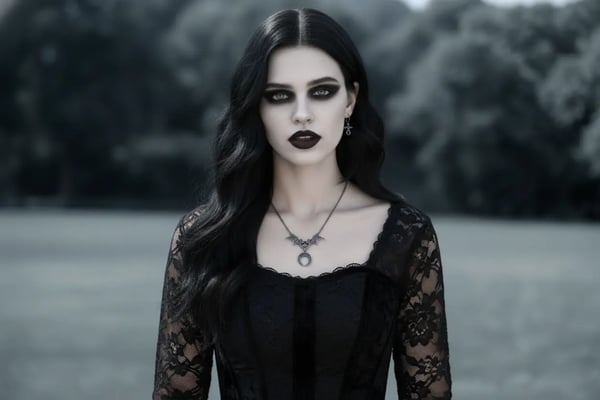
Witchy Goth
Witchy Goth creates a mystical and cinematic gothic presence through moody shadows and darker tones. Witchy Goth imagery carries a sense of magic and mystery, making it ideal for themed visuals, storytelling, and seasonal content.
How Creators Apply Gothic Filter for Different Visual Needs on Bylo.ai
Goth Filter for Social Media Profiles
On Bylo.ai, the Goth Filter is commonly used to create dark, high-contrast profile images for platforms like Instagram, TikTok, and X. Gothic makeup, controlled lighting, and consistent tone help users present a distinct visual identity while keeping facial details clear and recognizable across different platforms.
Gothic Filter for Halloween and Themed Content
The Gothic Filter on Bylo.ai is frequently used for Halloween visuals and other themed content. Dark color grading and gothic elements make it easy to create atmospheric images for seasonal posts, event promotions, and creative campaigns without relying on physical costumes or makeup.
Goth Filter for Creative Portraits and Visual Experiments
Many users turn to the Goth Filter on Bylo.ai when exploring darker aesthetics in portrait photography. The filter adds mood and depth while preserving natural facial features, making it suitable for artistic portraits, concept images, and visual storytelling projects.
Gothic Filter for Fashion and Aesthetic Exploration
On Bylo.ai, the Gothic Filter is often used for fashion exploration and visual experimentation. The combination of dark gothic tones and clean composition makes it easy to test different looks, build mood boards, and explore gothic-inspired aesthetics before moving into real-world styling or photoshoots. For creators who want to take these ideas further into illustrated characters, the AI Loli Generator offers a simple way to transform gothic concepts into expressive loli anime visuals and character designs.